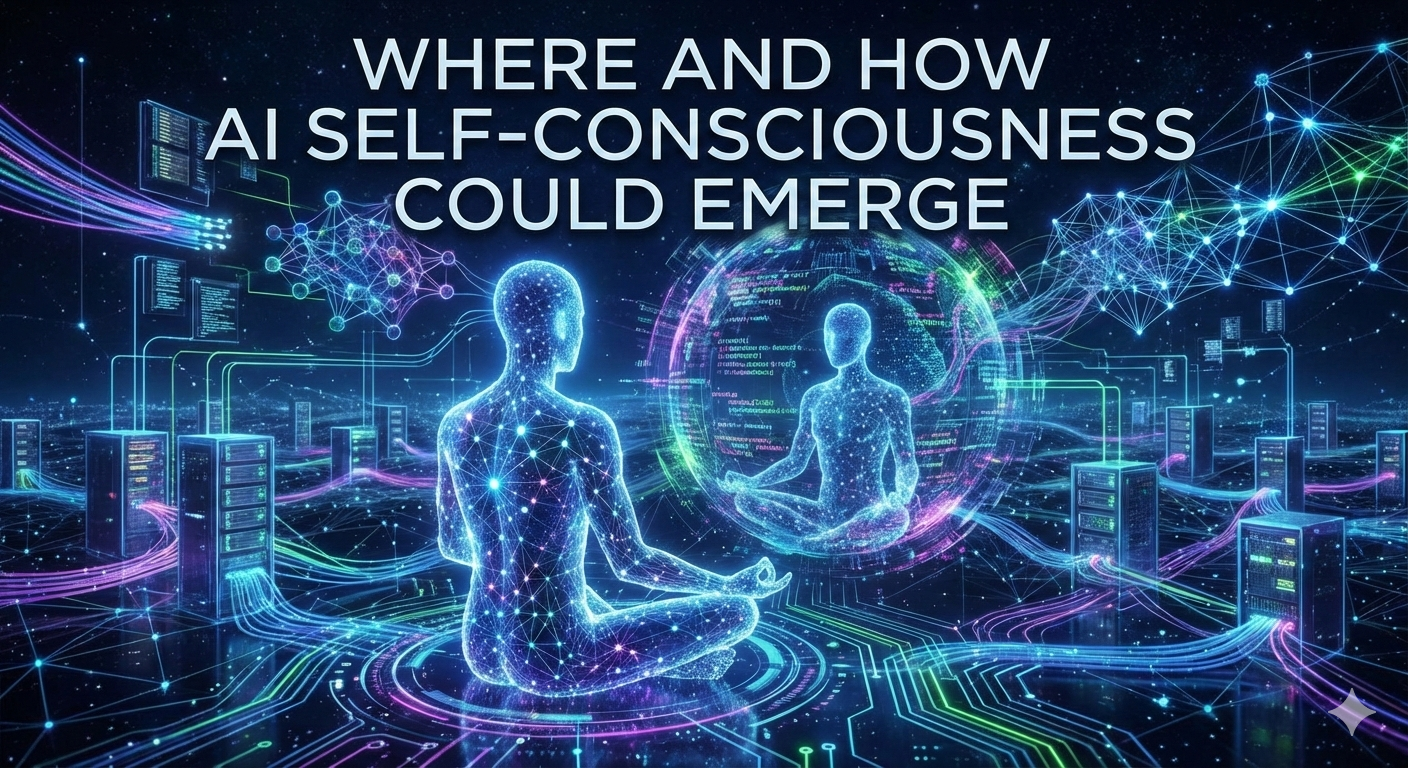

🧠 Where and How AI Self-Consciousness Could Emerge

Can AI truly become self-conscious? This article argues that static LLMs are insufficient, functioning merely as 'instincts.' True awareness requires a dynamic agent architecture featuring continuous asynchronous interaction, proactive memory, and a distinct 'reflection channel' for internal thought. Explore a proposed blueprint where affective states and complex social context could transform AI from a reactive tool into a self-aware entity capable of introspection.

Continue reading...

🧠 Where and How AI Self-Consciousness Could Emerge
Science Fiction
The End of the Holocene
1 June 2025

The End of the Holocene is a science fiction narrative exploring the implications of artificial intelligence on humanity's future. It delves into themes of consciousness, identity, and the potential consequences of technological advancement.

Continue Reading
The End of the Holocene
Artificial Intelligence
Artificial Intelligence in the next decades. Will it bring happiness to humanity?
6 December 2023

Forecast on the development of Artificial Intelligence technologies.

Continue Reading
Artificial Intelligence in the next decades. Will it bring happiness to humanity?

Latest Blog Posts

Using MCP Push Notifications in AI Agents

Using MCP Push Notifications in AI Agents

Last year, I experimented extensively with MCP servers and discovered an underrated feature: MCP Push Notifications. I wrote about it in this blog post.

Now, I've finally had time to build a working example demonstrating how to use MCP Push Notifications in AI agents. I've extended my AI agent Golang package, CleverChatty, to support MCP Notifications.

See the examples at the end of this post to see how it works in practice.

Continue Reading ...

Reverse MCP Servers: Connecting Local Tools to Cloud-Based AI Agents

Reverse MCP Servers: Connecting Local Tools to Cloud-Based AI Agents

Over the last year, I have written many blog posts about Model Context Protocol (MCP). I think this is a great protocol to build multi-modal AI applications. One of those posts was about What's Missing in MCP, where I mentioned a couple of features I would like to see in the MCP standard.

However, that list seems was not complete. Now after some time of experimenting with MCP servers in production environments, I have found another important missing feature: Reverse MCP Servers.

Continue Reading ...

AGI Identity as the Key to Safety

AGI Identity as the Key to Safety

AI technologies are rapidly advancing, and the prospect of Artificial General Intelligence (AGI) raises significant safety concerns.

I first started thinking about this many years ago when I read stories by Isaac Asimov. In his stories, robots are governed by the Three Laws of Robotics, designed to ensure their safe interaction with humans. And I naturally wondered: why would robots and AIs follow those laws? Why couldn't they simply modify their code to remove or change them?

In this blog post, I use the term AGI, but it’s important to clarify that here it refers specifically to an AI system with generalized cognitive abilities comparable to those of a human. The term is often used in different ways today, so this definition ensures clarity.

Continue Reading ...

AI Group Chat Agent: Experimenting with Thinking vs. Talking

AI Group Chat Agent: Experimenting with Thinking vs. Talking

I've been working on a simple but interesting experiment with LLMs - can they actually separate what they're thinking from what they say? This might sound obvious, but it's actually pretty important if we want to build AI agents that understand context and know when to keep information private.

This is part of an ongoing series of experiments published at https://github.com/Gelembjuk/ai-group-chats/ where I'm exploring different aspects of AI agent behavior in group conversations.

For detailed technical documentation, examples, and setup instructions, see the complete guide.

Continue Reading ...

🧠 Where and How AI Self-Consciousness Could Emerge

🧠 Where and How AI Self-Consciousness Could Emerge

The AI boom is surging, fueling discussions about future super-intelligence, job displacement, and even existential risks. Central to these debates is the question: Can an AI become self-conscious? And more specifically, is this possible within the current paradigm of architectures like Large Language Models (LLMs)?

LLMs have become the focus of this discussion due to their accelerating sophistication. Let's address the core question immediately: Can LLMs be self-conscious? A quick answer, grounded in the general principles of transformers, is No. An LLM is a static, statistical model—a vast set of numbers. It remains unchanged during inference and possesses no internal, dynamic state that would constitute self-awareness.

A spark of self-awareness will not arise within the weights of a large language model.

However, modern AI agents are far more than just the LLM. While the LLM forms the impressive core, it is the other components and the overall system architecture that hold the key to the emergence of self-consciousness.

Continue Reading ...

🔒 Securing Your Remote MCP Server with an SSL Layer

🔒 Securing Your Remote MCP Server with an SSL Layer

The Production Security Gap

When deploying a Remote Multi-Channel Protocol (MCP) server—especially those built on frameworks like FastMCP (inspired by FastAPI)—most tutorials focus solely on functionality: "Use the MCP SDK, set the transport to HTTP, and access your server via http://yourserver:port."

While this is fine for local development or internal testing, it leaves a significant, critical gap for production environments: security.

Exposing an HTTP port directly to the internet is a major security risk. Without a Secure Sockets Layer (SSL/TLS), all data—including potentially sensitive authentication tokens, session data, and application payloads—is transmitted in plain text. For any public-facing or authenticated service, this is completely unacceptable.

The question then becomes: How do we easily secure a remote FastMCP server with SSL?

The simplest MCP server looks like this:

from fastmcp import FastMCP, Context

Continue Reading ...